Blog, News & Events
Keep in touch with our news, events and articles
By categories
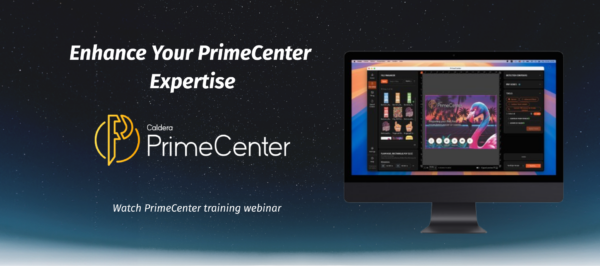
Enhance Your PrimeCenter Expertise
Register for the On-Demand Training Webinar and enhance your PrimeCenter expertise.
November 03, 2026
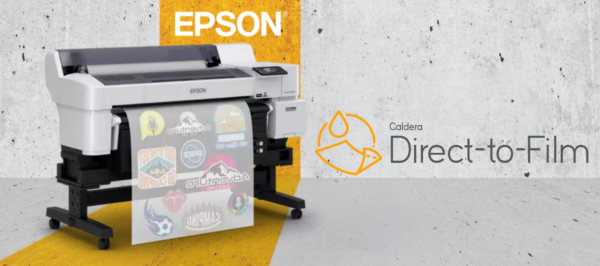
Give Your Epson DTF Printer the Workflow It Deserves
In this article, you will learn how Caldera Direct-to-Film helps you use the full potential of your Epson SureColor G6000.
October 26, 2026
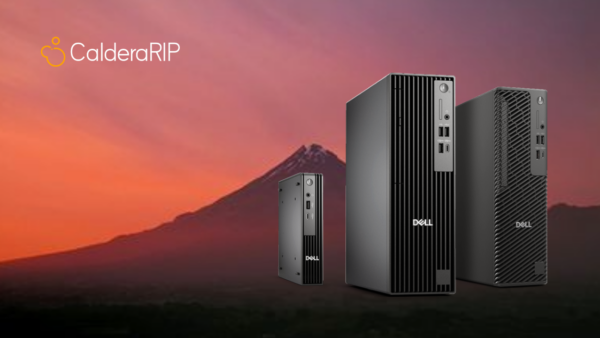
Caldera’s Pre-Installed RIP Stations: Save Time and Start Producing
Save time and start producting with Caldera’s pre-installed RIP stations. We offer a range that matches your production needs and requirements.
October 23, 2026
How Caldera PrimeRIP Is Making Print Production More Efficient?
In this article, we introduce you to Caldera PrimeRIP and its advantages. Learn more about this software bundle and how it helps you improve your print workflow.
October 09, 2026

Today’s Graphics, Inc. (TGI) Group Eliminates Hours of Manual Imposition with PrimeCenter
TGI reduced hours of manual imposition to just a few clicks with PrimeCenter, enabling faster, more consistent, and scalable wide-format production.
October 05, 2026
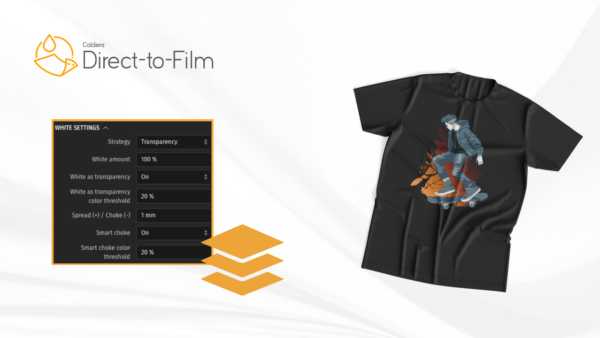
White Ink Underbase Control in DTF Printing: Smarter Control with Caldera Direct-to-Film
Caldera Direct-to-Film automatically generates the white ink underbase, with flexibility built to reduce manual file preparation.
September 25, 2026

Calculating the ROI of Prepress Automation: What Is Prepress Automation Really Worth to a Print Business?
Discover how print businesses can measure the ROI of prepress automation through labor savings, fewer reprints, reduced overtime, better media utilization, and increased production capacity.
September 22, 2026
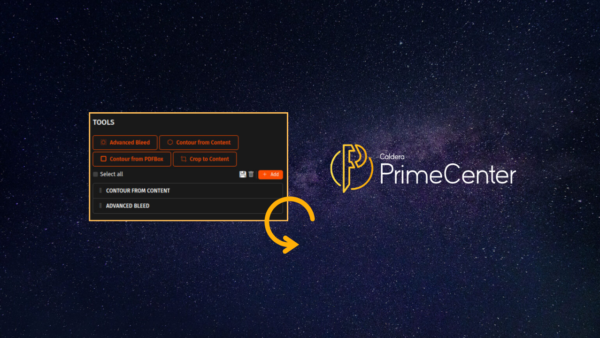
Repetition is Becoming a Thing of the Past: Meet Tool Presets in Caldera PrimeCenter 5.2
Caldera PrimeCenter 5.2 is now available, offering more features like Tool Presets. Learn how this new tool allows you to reduce repetition when it comes to file preparation.
September 21, 2026
How to Automate Print-and-Cut Production
This article introduces you to print and cut production and how you can possibly automate them. Learn to grow your business using automation.
September 18, 2026
No news
Press Contact
Sebastien HANSSENS
VP Marketing & Operations
sebastien.hanssens@caldera.com
Media kit
Download official brand guidelines, logos and texts to use in your communication.
Register to our Newsletter
Receive our latest news directly in your mailbox!