White Ink Underbase Control in DTF Printing: Smarter Control with Caldera Direct-to-Film
September 25, 2026
In Direct-to-Film printing, you find multiple assets that are very easy to overlook just like the white ink layer. You don’t notice its importance until something looks a bit off in your production.
You might have some colors that look weaker than expected. Fine details may lose their best criteria. You can even see that a dark garment is making a bright design look awful. Then, after noticing these details, you see that operators are spending valuable production time adjusting the design simply to create an acceptable white underbase that will prevent the abovementioned problems.
For DTF printers, white ink is therefore more than a mere background layer. It is a critical part of the print recipe and sometimes you proceed with production without beign aware of this. The biggest challenge is finding the right balance and configuration. The underbase needs to provide the foundation required for the CMYK image, but the workflow should not force operators to manually prepare a white layer for every incoming design.
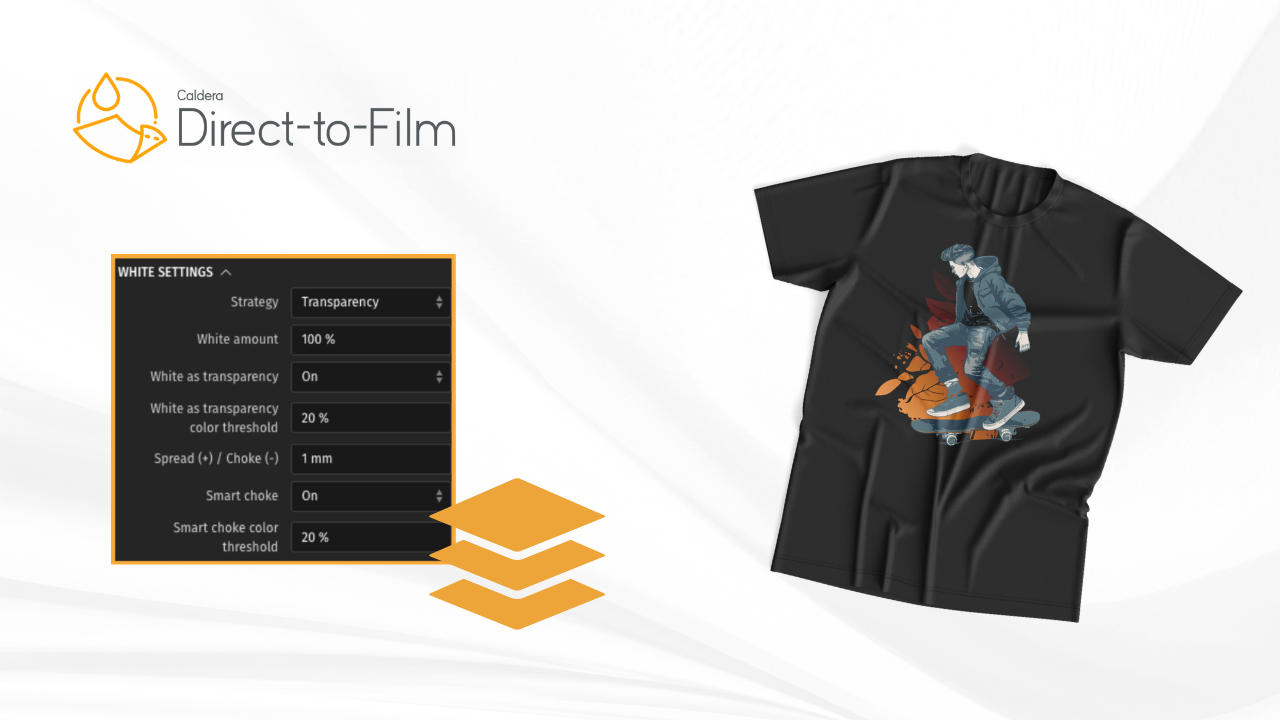
Caldera Direct-to-Film simplifies the production process by offering smart white ink generation directly embedded in the software. This was designed to simplify your whole production process. Caldera Direct-to-Film automatically generates the white ink underbase, with flexibility built to reduce manual file preparation.
What exactly is a white ink underbase?
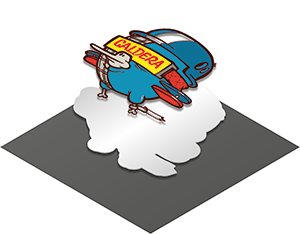
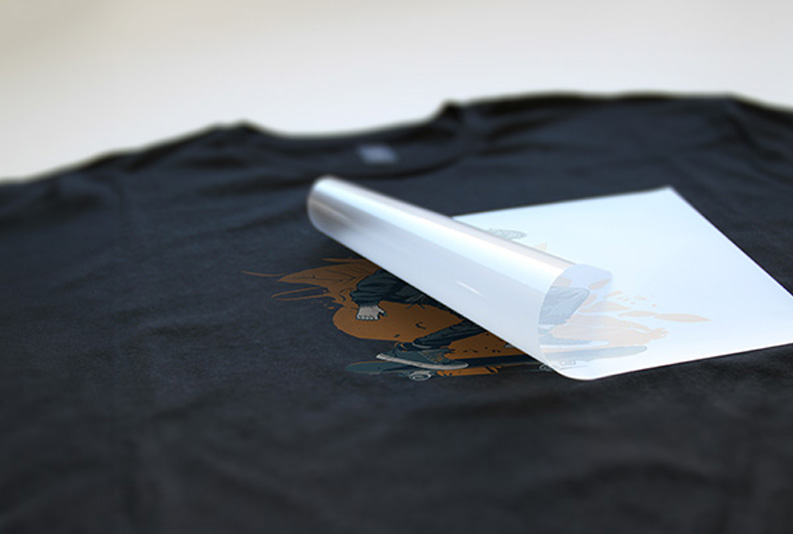
In a typical DTF workflow, the artwork is printed onto PET film and then transferred to the garment. CMYK inks create the visible image, while white ink provides the opaque foundation underneath it.
So the white layer is the pillar to achieve the result you want. For example, if you print a bright yellow directly onto a dark garment without sufficient white underneath, the yellow will lose its visual impact. But if you give it the approapriate white foundation, it will have a much stronger surface on which to appear.
Why printers need control over the white layer
If every DTF design were identical, white ink management would be relatively simple. But this is not the case and it doesn’t, in any case, represent the real world production.
A typical production day might include:
- A small white logo on a black hoodie
- A full-color photograph on a dark T-shirt
- A colorful illustration with transparent areas
- Fine lettering for a workwear order
- A large sports graphic with solid colors
- A promotional design containing gradients
- Personalized names and numbers
- A batch of identical transfers for a clothing brand
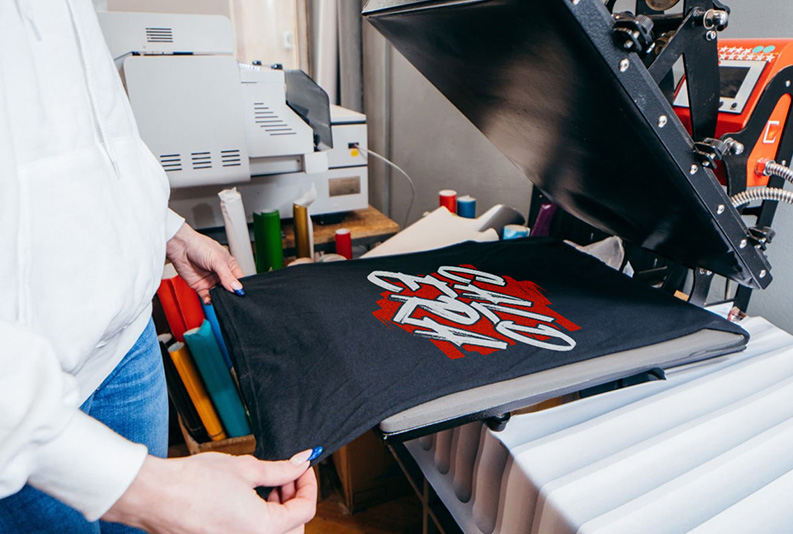
The printer therefore needs a workflow that can generate the white underbase automatically while still providing flexibility for different types of artwork. This is one of the practical advantages of smart white ink generation. Rather than treating white ink as something that has to be manually created in the artwork file, the RIP can take responsibility for generating the underbase as part of the print process.
Example 1: A simple logo on a black hoodie
Consider a customer who sends a relatively simple logo for printing on black hoodies. The design contains:
- White lettering
- A red symbol
- A small amount of yellow
- Transparent space around the logo
If the operator had to manually prepare every white layer, the workflow could involve opening the design, detecting the printable areas, creating the underbase, checking the edges and then exporting a production-ready file. For one logo, that may not seem like a major issue that you would instantly consider. But if we say that your shop receives 40 different customer designs everyday, this means that you will take more time preparing files.
With automatic white underbase generation in Caldera Direct-to-Film, the operator can send the design into the RIP and let the software generate the white layer automatically. The printer can then concentrate on the production parameters rather than repeatedly rebuilding the same type of information in the design.
Example 2: A picture on a dark garment
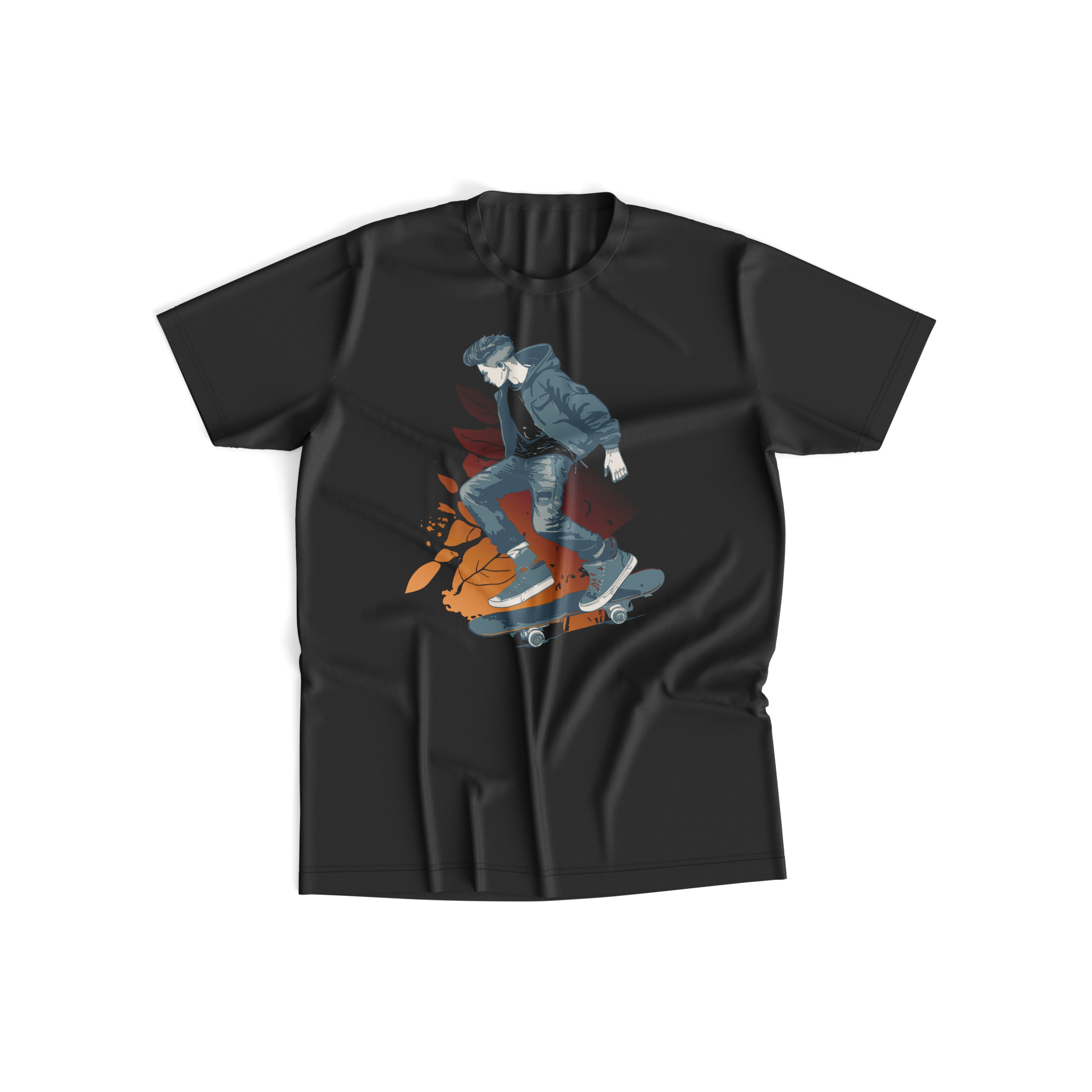
Photographic designs are considered a totally different challenge. Let’s say a customer wants a colourful photograph printed on a black t-shirt.
The image contains:
- Skin tones
- Shadows
- Highlights
- Blue sky
- Green vegetation
- Fine photographic detail
- Areas of relatively low saturation
The printer needs the colors to remain visually strong when they are placed on a dark garment.
Here, the white underbase is important because the garment itself can influence the appearance of the transferred image.
White ink management is also about consistency
Speed is only one part of the equation and consistency is also another important asset that shares the same value. When an operator manually prepares white layers, the result can depend on how the individual file was constructed.
Each layer takes a different amount of white layer which a results in a design that receives a generous amount, another might be prepared differently, a third may have been supplied with pre-built white channel that behaves differently again. If a shop produces commercial apparel, consistency is important in this case because customers expect repeated orders to behave predictably.
Let’s say that a clothing brand orders the same logo every month. The first order occurs in January, the second in April, and the third one in March. The design may be identical, but the production team does not want the white-underbase preparation process to become a variable each time the design is printed. Automating the underbase generation helps establish a repeatable process.
The RIP becomes the place where the artwork is interpreted and prepared for production.
Automatic does not mean inflexible
One of the misconceptions surrounding automation is that it necessarily eliminates operator control. For professional printers, the opposite can be more useful: automate the repetitive work and retain flexibility where production decisions are a still a solid foundation. A DTF printer may need to adapt the workflow depending on the job.
For example, a small logo may require a different approach from a large graphic. A photographic design may need to be treated differently from a flat illustration. A short personalized order may be handled differently from large production jobs.
So the goal of automatic white ink generation is to reduce the amount of manual preparation required to get different jobs into a printable state, but, in the midst of this, you still have total control of your production.
White ink consumption: why the underbase matters economically
Economically, white ink is also part of the printer’s operating cost. Every small square centimenter of white coverage means ink consumption in some way. In the case of a small logo, the difference might look relatively minor. On the opposite side, and if you have a large front-of-t-shirt design printed thousands of times, it can become much more apparent and significant. As a result, white ink management becomes an economic as well as an ink management consideration. Consider two production scenarios.
Scenario A: Small personalized logos
There is a shop that prints hundreds of small logos every week. The individual white areas are relatively small, but the number of jobs is high. Here, automation can help reduce the amount of operator intervention required across a large number offiles.
Scenario B: Large full-front graphics
Here, we have another shop specializes in large DTF transfers. Each design contains extensive color coverage. Here, the white underbase represents a much larger portion of the print. The printer therefore has an even stronger reason to think about how white is generated and managed. In both cases, the issue is the same: white ink is not an invisible production detail and is part of the cost and performance of the print.
From artwork preparation to production workflow
A traditional workflow can place considerable responsibility on the person preparing the artwork.
- The customer supplies a file.
- The operator opens it.
- The artwork is inspected.
- The white layer is created.
- The file is checked.
- The artwork is exported.
- The RIP processes it.
- The printer produces the transfer.
Every additional manual stage introduces time and another potential point of variation. With automatic white ink generation, more of that preparation can happen within the RIP. The workflow becomes more streamlined:
1. Receive the artwork: The printer receives the customer’s design in the format used by the shop.
2. Bring it into Caldera Direct-to-Film: The RIP becomes the production preparation environment.
3. Generate the white underbase automatically: The software creates the white information required for the print.
4. Process the CMYK and white channels: The artwork is prepared for the DTF production workflow.
5. Print the transfer: The prepared file is sent to the DTF printer. The advantage is particularly apparent when the artwork changes frequently.
What this means for an operator on a busy morning
Let’s say you open your shop in the morning. There are 15 customer files waiting. One is a logo. One is a photograph. Three are personalized names. Two are sports graphics. Another is a promotional illustration. Several are orders that require repetition. Without automation, the operator may need to inspect and prepare each file individually. With automatic white generation, the RIP takes over one of the recurring preparation tasks.
The operator can instead concentrate on the things that genuinely require human attention:
- Checking artwork dimensions
- Confirming placement
- Selecting the appropriate media
- Managing print settings
- Monitoring production
- Checking the finished transfers
- Organizing customer orders
White underbase control for different types of DTF businesses
Not every DTF printer operates the same way.
Custom apparel shops: These businesses often receive unpredictable artwork from customers. One order might be a simple logo; the next could be a detailed illustration. Automatic white generation is useful because the operator does not have to anticipate how every customer’s artwork was prepared.
Online DTF transfer businesses: Transfer suppliers can process a very large number of designs for different customers. Here, workflow efficiency becomes especially important. The more artwork a shop processes, the more valuable it becomes to automate repetitive prepress tasks.
Sportswear printers: Sports graphics frequently contain large numbers, names, logos and complex color combinations.
A streamlined RIP workflow can help the production team process variations withoutmanually rebuilding every white layer.
Workwear printers: Workwear orders may involve relatively simple branding, but often in high quantities. A repeatable workflow is valuable when the same artwork must be producedconsistently across many garments.
Brand and fashion production: Brand graphics can contain detailed illustrations, gradients, fine typography and large areas of color. Here, the ability to automatically generate the white foundation while maintaining workflow flexibility can simplify production preparation.
A practical example: one design, three garments
Now, let’s consider a customer who wants the same graphic printed on three garments:
- A black hoodie
- A navy T-shirt
- A light gray sweatshirt
The design used is the same. But the visual environment surrounding the transfer will change in ech of these cases.
This is why the white layer cannot simply be treated as an afterthought. The printer needs a workflow that supports consistent production while allowing the print process to accommodate different job requirements.
With smart white generation, the underbase becomes a controlled part of the RIP workflow rather than something the operator has to reconstruct manually every time. This is particularly useful for businesses offering customers a wide range of garment colors and products.
Why smart white generation belongs in the RIP
The RIP is already the point where artwork is translated into the language of the printer. It determines how the image is separated, processed and ultimately delivered to the machine. That makes it a logical place to handle white underbase generation.
Instead of relying entirely on external graphics software to prepare a production-specific white layer, the printer can incorporate that step into the RIP workflow. For the production team, this can mean:
- Reduced manual preparation steps
- Faster file handling
- More consistent results
Related articles