Get your Roland DTF Printers the DTF Software they Deserve
May 28, 2026
You want to start a business in DTF printing. You open your first print shop, and you decide to invest in Roland DG TY-300 printers because they offer all the advantages you expect in a DTF printer. But at the end of the day, you know that the machine you get is only half the story. That’s why a RIP software is a necessity in this case, as it will help you run your print shop and your Roland TY-300 printers.
So, you will spend days trying to select the right software for your print shop. Does it have good color management tools? Will the software help me manage my white ink effectively? Is it complex to use? All these questions become a torment because they increase your stress and confuse you even more.
With its latest innovation in DTF printing, Caldera can help you understand Caldera Direct-to-Film (its latest RIP for DTF). In this article, you will get acquainted with the details surrounding Caldera Direct-to-Film and how it will help you get the best out of your Roland printers.
Are you Using its Full Potential?
Roland DG DTF printers are known for a multitude of advantages:
- Consistent production quality
- Strong color reproduction potential
- Reliable hardware performance
- Professional results
And to make these advantages part of your daily workflow, you need to manage colors, ink behavior, white ink, and workflow efficiency. That’s the role of RIP software, and that’s why you need one that is reliable and easy to use. When the RIP software you are using is generic and designed for all types of production, not just DTF, you start noticing inconsistencies within your workflow.
- Colors feel almost right, but not fully consistent
- White ink layers behave unpredictably
- Files take longer than they should to process
- Operators spend too much time fixing jobs instead of printing them
What a Good RIP Software Means in DTF Printing
Many printers in DTF might confuse a RIP software with a tool that simply helps you send files to the printer. But that is not the case. In reality, a RIP software is the fundamental asset that runs your production.
When it comes to DTF printing, your RIP software must handle:
1- Color accuracy that stays consistent
You don’t have to guess everytime why your colors today appear different than yesterday.
2- Smart white ink control
In DTF printing, white ink is the most important configuration. That’s why you need to control its behavior effectively:
- Underbase precision
- Ink density balance
- Transparency handling
3- Improve Production and its speed
This does not mean you need to work faster, but rather that you need to find a way to reduce reprints, mistakes, and errors.
4- Accurate predictions of results
Clients expect accurate results that match their requirements. Your first priority is to deliver accurate predictions.
What Makes Roland and Caldera a Good Match?
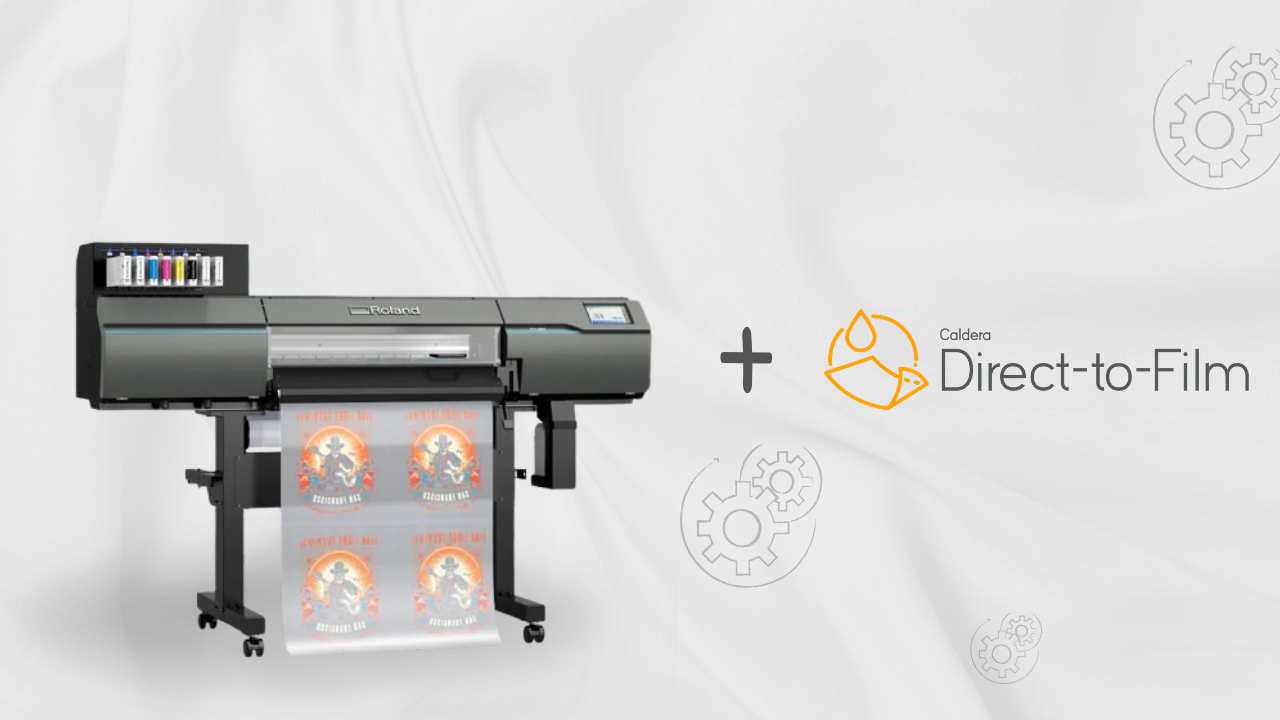
The Roland DG TY-300 is specifically designed for professional environments. When paired with reliable DTF software, it becomes even more advanced and powerful, allowing you to unlock its full potential.
Caldera Direct-to-Film is RIP software that understands your printer and helps you manage color, white ink, and the final result of the printed product. It plays a major role in setting up the initial configurations and building a repeatable system that you can reuse across all productions.
- Designers can finally trust what they see on screen
- Operators spend less time adjusting settings
- Production becomes predictable instead of reactive
Features Roland DTF Users Will Appreciate
1- Smart White Ink Generation
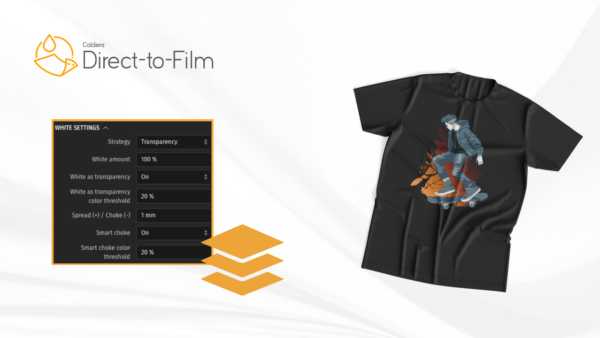
Caldera Direct-to-Film automatically generates white underbases with flexible controls, helping users achieve cleaner transfers without endless manual preparation.
2- Automatic Spot Color Conversion
Caldera Direct-to-Film automatically detects and simulates spot colors while still allowing manual fine-tuning when needed.
3- Beginner-Friendly Interface
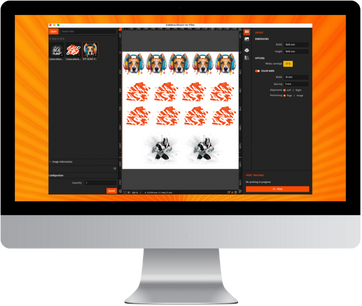
That’s one of the biggest advantages of Caldera Direct-to-Film: the interface was designed to stay simple and focused on DTF production.
4- Built-in Educational Guidance
Instead of leaving users alone with technical settings, Caldera Direct-to-Film includes built-in guides and educational content directly inside the software experience.
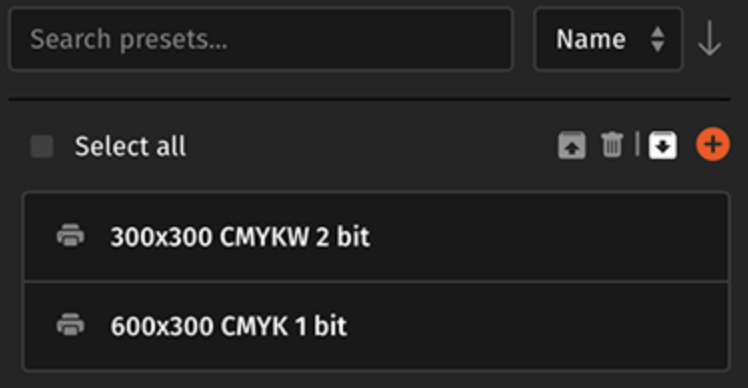
Roland Ready-to-Use Presets
Caldera Direct-to-Film gives users access to downloadable, ready-to-use presets through CalderaDock. And this changes the onboarding experience completely.
Instead of spending hours or days trying to configure settings manually, users can download presets created by Caldera experts specifically for supported printers and workflows.
For Roland users, this means:
- Faster setup
- Easier printer configuration
- Reduced trial and error
- More predictable print qualtiy
What’s the Impact on your Routine?
You get Roland printers and you do not upgrade your workflow, your day might look like this:
- Adjust color profiles again and again
- Reprint a job because white ink looks off
- Manually fix layout issues
- Deal with inconsistent results
When you upgrade your workflow with a suitable RIP software:
- Jobs behave the same every time
- White ink is controlled
- Files process smoothly
- Operators focus on production
Make your Workflow Grow with DTF
DTF printing started as a niche, and now it has been evolving considerably. It has become a foundation of garment decoration because it offers more flexibility, faster results, and high-quality results.
But these advantages can change or disappear when demand grows and you need to process many orders in one day. This can quickly turn into pressure rather than a method you once knew would help you get the results you want. So, the best solution is not to stagnate with your current workflow, but to upgrade it to scale your business.
Your Printers Can Always Do Better
Your investment in getting a Roland DG DTF printer is a commitment to quality. Now, what’s the next step? Get a RIP software. At the end of the day, great RIP software should not feel like another obstacle. It should help your Roland printer perform at its best.
That’s exactly why Caldera Direct-to-Film continues expanding support for major DTF printer brands, including Roland DG. Because modern DTF businesses need reliability, speed, consistency, and workflows that make production easier.
Related articles