The Costs you Don’t See in Printing: How Printers Can Save Money and Increase Efficiency
January 09, 2026
Printing looks simple at first: design, print, done. But every experienced print operator is aware of the difficulties that come with printing. Costs hide in the details. A minor inefficiency or inconsistency in workflows can quickly deteriorate your profits.
In this guide, we’ll explore where you can find hidden costs, show how they affect your business, and share useful ways that will help you save money, including how tools like CalderaRIP and PrimeCenter can help streamline workflows.
Why Cost Management is Essential
When we talk about profits, we don’t always refer to pricing.
We all know that profit is not just about pricing. It’s basically about the way you manage production costs. Every sheet of media, drop of ink, and minute of operator time is essential, and it’s important to protect it.
Despite this importance, many printshops overlook or don’t know how to detect the hidden costs:
- Waste from test prints or misaligned jobs
- Excessive ink usage
- Reprints due to inconsistent color
- Unoptimized workflows slowing down production
The solution is to identify these hidden costs, analyze them, and implement a production workflow that prevents them.
Media Waste: Every Sheet Counts
A small shop prints 100 jobs each week. Even a 5% waste rate adds 5 extra sheets per week, over a year, that’s 260 sheets wasted. It’s too much, right?
Why it happens:
- Test prints and reprints
- Misaligned layouts
- Inaccurate nesting
But you can save material with specific methods:
- Use layout and nesting tools to maximize material use
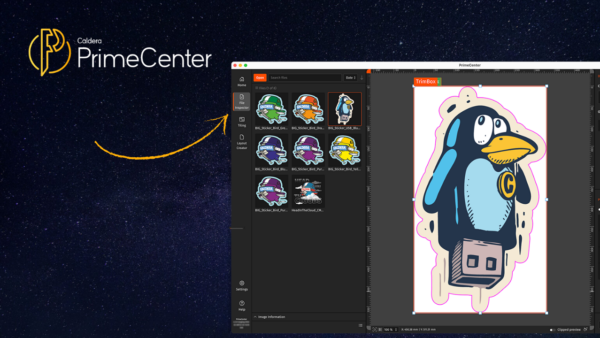
- Preflight and verify all files before printing. You can do this with Caldera PrimeCenter.
- Keep track of high-waste materials and adjust ordering

Ink Management: Every Drop Matters
Ink is expensive, and, unfortunately, many shops use it inefficiently. Over-saturation, redundant test prints, and incorrect profiles increase costs without even improving your print results.
How to manage your ink resources in a clever way:
- Use RIP software to estimate ink usage before printing, like CalderaRIP. The software allows you to calculate how much ink you will need
- Implement consistent color profiles
- Avoid unnecessary test prints
Labor Costs: Time Is Money
Time spent on troubleshooting or repeated adjustments is also a cost that you don’t always see coming.
Many printers spend too much time trying to fix a problem or a recurrent inconsistency.
How to make the most of your time:
- Standardize workflows: this requires preparation and software that allows you to automate workflows like PrimeCenter
- Create templates for recurring jobs: you can do this using PrimeCenter, in which you can create recipes
- Automate color adjustments when possible

Reprints: Your Silent Profit Killer
Reprints is also one of the biggest problems in the print industry. They can be devastating because every reprint will double your costs. This means you will waste more media, ink, and time.
How to reduce your reprints?
- Standardize color and layout workflows. This can be done using PrimeCenter automated tools
- Maintain a library of approved profiles
- Verify all your files. A good start is always a good result.
Equipment Efficiency: Maintenance Saves Money
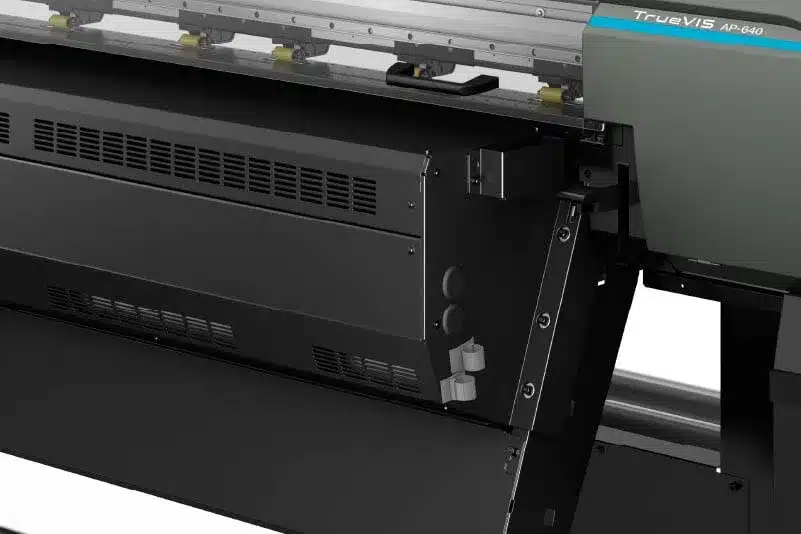
Neglected printers cost more than just downtime. Poor calibration and inefficient operation increase waste and energy consumption.
How to be efficient in printer maintenance?
- Perform regular calibration and preventive maintenance
- Monitor printer performance
- Schedule jobs efficiently
How CalderaRIP and PrimeCenter Help you manage your costs
CalderaRIP and PrimeCenter will help you manage your ink usage, nesting, and workflow. And as we mentioned above, having a consistent workflow is essential to good cost management.
- Media optimization: Reduce waste with nesting and layout tools. PrimeCenter allows smart nesting. The software uses all the space in your media to make everything fit without wasting too much media.
- Ink prediction: Control coverage and reduce overuse. By using CalderaRIP, you can calculate how much ink you will need without the need for a specific calculator.
- Workflow automation: Standardize settings, templates, and color profiles
- Job estimation: Plan media and ink before printing with CalderaRIP
- Consistency: Maintain repeatable color across operators, shifts, and printers
Learn More about Caldera Software
Get started with Caldera
Contact us for a custom demo with our specialists.
Related articles