How to Know It’s Time to Centralize Your Print Workflow
February 20, 2026
How to Know It’s Time to Centralize Your Print Workflow?
Growth in a print shop happens gradually: one more printer, one more operator, one more rush in the print shop. It rarely happens fast, but before you know it, you’re running multiple printers and stations. At first, the workflow adjusts. But over time, complexity builds. What once was manageable for you and your team starts to feel difficult over time.
In a previous article, we defined what a centralized workflow is and outlined its core benefits. Now the question shifts from what it is to something more practical: Is it time for us to make the move and centralize?
Here are the clear signs your print operation may be ready for a centralized RIP workflow.
1. You’re Managing Printers, Not your Production
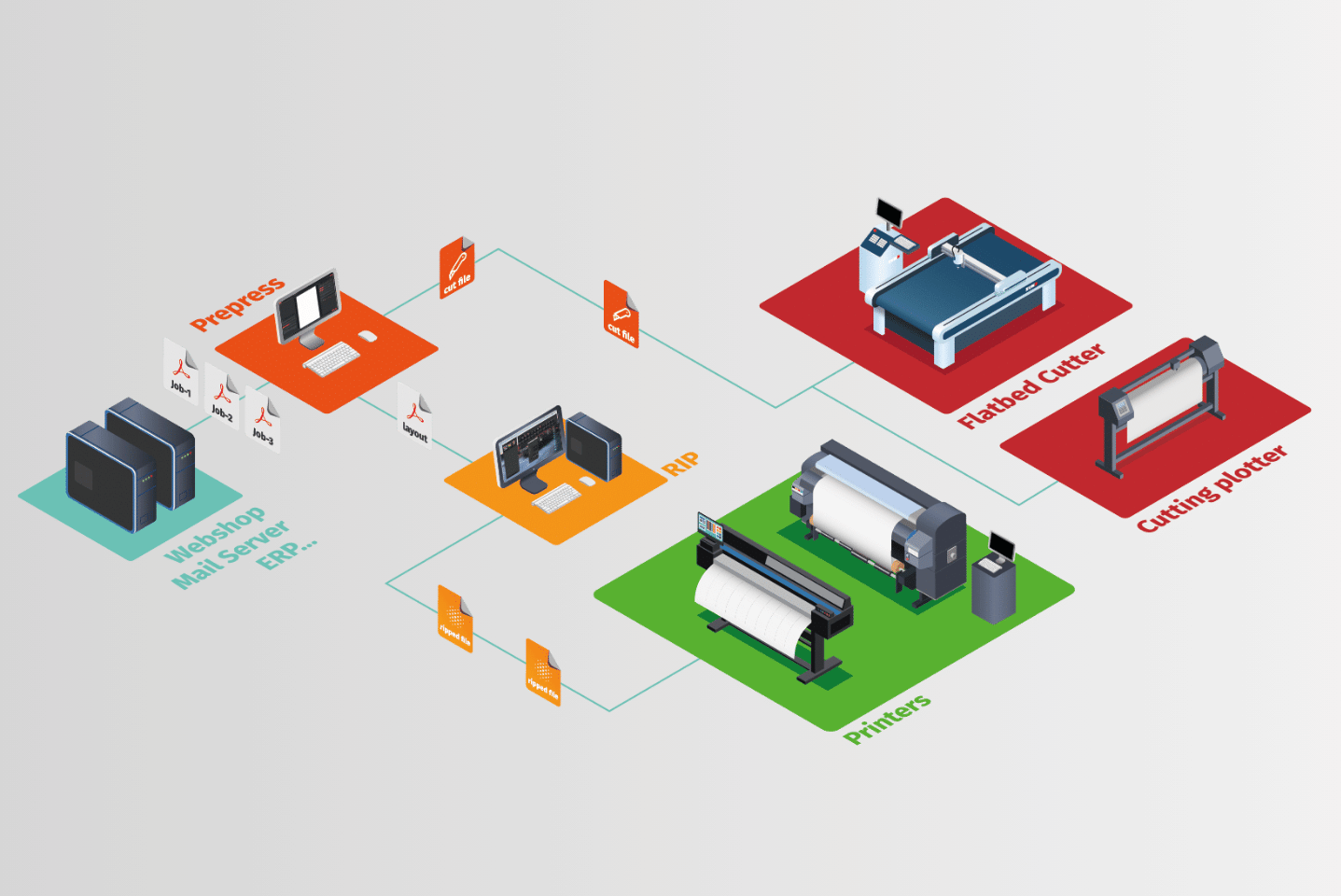
If each printer has its own workstation, its own RIP setup, and sometimes even its own “constraints,” you may not be running one production system, you may be running many decentralized ones.
You might detect the following signs:
- Files are prepared differently, and this depends on the operator.
- Job queues are set on separate computers.
- You physically move between stations to manage final results.
- There’s no single visibility of what’s happening across the shop.
When production becomes device-centered instead of system-centered, it will be difficult for you to grow your business.
Centralization brings all job preparation and control into one coordinated structure.
2. Knowledge belongs to Operators, Not to the Process
In many growing print shops, expertise is personal. Every operator acquires a certain knowledge that complements that of other operators. You can check the examples below for more clarifications:
- One operator knows how to fix certain color issues.
- Another has custom presets saved locally and knows how to use them.
- Someone else understands how to reschedule jobs when a printer stops.
That works until someone is sick, leaves the company, or becomes overloaded. And this is considered an extra-heavy work for operators. They will have to learn more and be ready for the unexpected.
If your workflow depends on individual memory instead of shared standards, it’s a strong signal that centralization could finally stabilize your operation. A centralized RIP environment turns best practices into structured processes rather than isolated knowledge.
3. Adding a Printer Feels Complicated
When you decide to grow your business, you should feel excited for the coming changes. But this is not always the case. Some printshop owners feel anxious because they know they will be facing more obstacles.
For them, every added printer means the following:
- Installing a new RIP station and adapting it to the new printer
- Rebuilding presets from scratch
- Recreating color settings and testing them
- Training operators separately according to their current knowledge
This means your workflow is not built for scale. You have to go through different preparation steps before embarking on scaling.
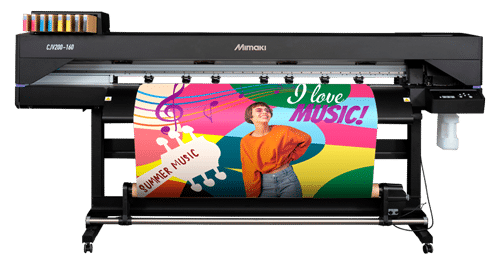
A centralized architecture allows new devices to plug into an existing production logic. Instead of reinventing the system each time you expand, you extend it.
4. You Struggle to See the Big Picture
Even though you’re doing what’s required of you to prepare productions, sometimes it’s difficult to see what’s working and what’s not.
Can you quickly and instantly see:
- Which printers are working?
- Which jobs are pending?
- Where obstacles are appearing?
- How is the capacity of devices distributed?
If the answer requires walking across the shop or checking multiple computers, your visibility is not centralized.
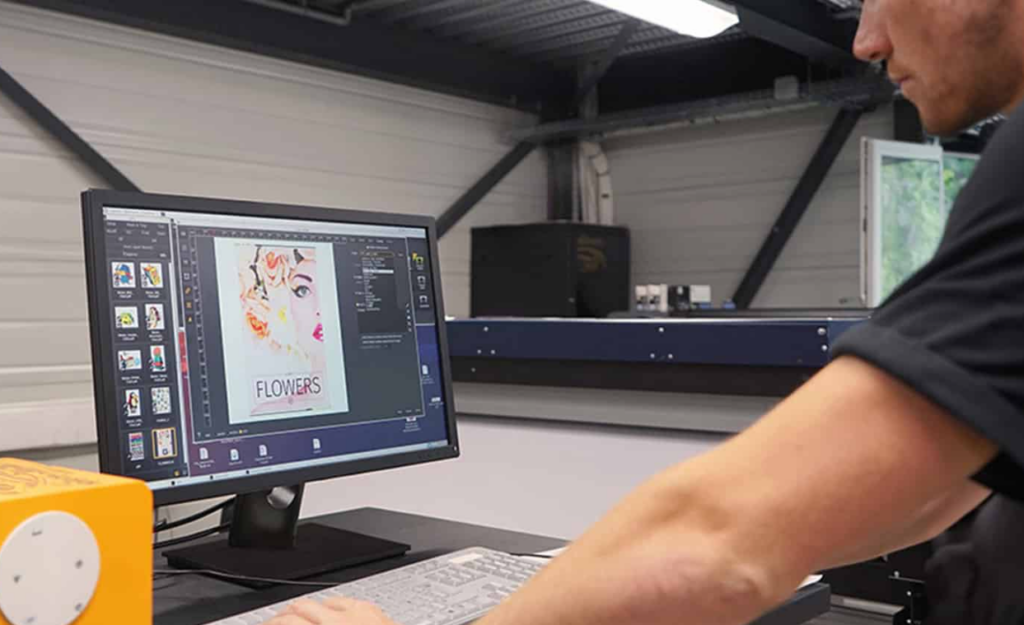
Centralized RIP solutions like CalderaRIP provides a unified dashboard where job management and monitoring happen in one place. That level of visibility doesn’t just improve efficiency, it improves decision-making.
5. Urgent Jobs Create Disorder
Rush orders are part of the business. Chaos doesn’t have to be. CalderaRIP allows you to manage orders in a very structured way.
If a last-minute request causes:
- Manual job changes
- File reprocessing on another station
- Confusion between operators
Then this means your workflow may lack structural flexibility. Centralization allows operators to prioritize, reroute, and manage jobs from a single control point, reducing stress and keeping production as smooth as possible.
6. You’re Planning for Business Growth
The most strategic time to centralize is often before growth creates complexity. Your business might feel stable now, but if you want to add printers and multiply job production, this is gonna be hard to achieve without a centralized process.
If you are:
- Considering adding new printers
- Expanding into new applications or devices
- Opening another location and print shops
- Handling higher job volumes and client demands
This is where centralization becomes an essential decision in your business. It prepares your workflow for expansion instead of forcing structural changes later under huge pressure.
If you recognize three or more of these signs, your print operation may have reached the point where decentralization is limiting performance. Centralization is not about replacing what works. It’s about structuring your growth and what your business will look like.
That’s why CalderaRIP empowers you to build a centralized workflow that streamlines operations and scales with your business. To learn more about the benefits of centralization and how it drives growth, check out our previous article on the topic.
Related articles