What is the Best DTF RIP software for Mac?
April 14, 2026
What is the Best DTF RIP software for Mac?
It’s very common to find DTF software that matches your needs, but does it work on all operating systems? Sometimes, it doesn’t. This is a serious issue for Mac users. Most DTF software on the market works on Windows. As a result, Mac users often turn to virtual machines to make it work. This reliance on external systems can be difficult to manage because it introduces additional challenges. Workflows become unstable and setups more complex. Instead of configuring their job production, they end up searching for solutions. Why doesn’t it work on Mac? Is there a solution? Yes, you can use a virtual machine, but at what cost?
Of course, the cost is always time and money.
Caldera is changing the conversation around Mac-compatible DTF RIP software. It has launched Caldera Direct-to-Film, a DTF solution that runs on Mac.
If you own a Mac computer and want to run your DTF workflow on it, you need a reliable solution that overcomes these compatibility barriers. It must deliver performance, automation, and reliability.
Why most DTF RIP software doesn’t work well on Mac?
Mac users face many problems when it comes to using DTF software:
- They have to install Windows
- They may use virtual machines, but this has a significant negative impact on performance
- They have to manage unstable workflows and compatibility errors
Even though this may seem easy and completely normal at first, users eventually start to notice inconsistencies and feel like they’re wasting time on increasingly complex configurations. These types of setups (virtual machines, Windows installations, etc.) slow down production, increase errors, and continue to complicate daily tasks. Over time, this becomes unsustainable.
What is the best DTF RIP software for Mac should offer?
Native macOS compatibility
You can run the DTF software directly on macOS, no virtual machines or emulators required.
Advanced white ink management
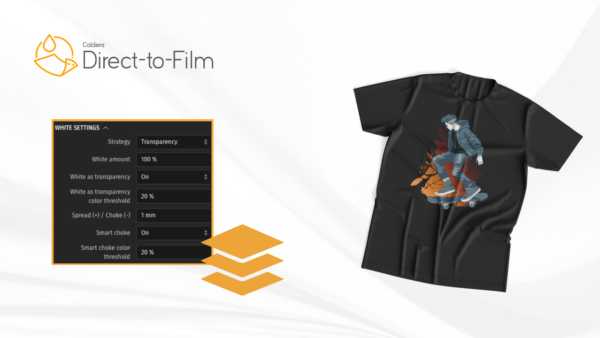
DTF printing isn’t truly DTF without accurate white ink management. You need a DTF RIP software for Mac that provides a precise white underbase, allowing you to produce high-quality DTF prints.
Color accuracy and consistency
Color management is another key pillar of DTF printing. You need a DTF RIP software that handles your colors with precision. Make sure it offers ICC profile management, accurate color reproduction, and true-to-brand DTF prints.
DTF workflow automation
If you want to grow your business, or if it’s already established, you need to think about automation. The right DTF RIP software allows you to automate file preparation, simplify job setup, and reduce repetitive tasks.
A smarter solution for Mac Users: Caldera Direct-to-Film
Finding reliable DTF software for Mac has long been a challenge for print professionals and creatives working in direct-to-film printing. Many solutions on the market are designed primarily for Windows, leaving macOS users searching for a compatible, high-performance alternative. That’s where Caldera Direct-to-Film comes in.
Caldera introduced a powerful and intuitive solution specifically built to address macOS compatibility issues while delivering professional results. If you’ve been wondering, “What is the best DTF software for Mac?”, the answer is now clear. Caldera Direct-to-Film stands out as one of the best DTF RIP software solutions for macOS, combining performance, usability, and color accuracy in one seamless platform.
Designed for macOS Users
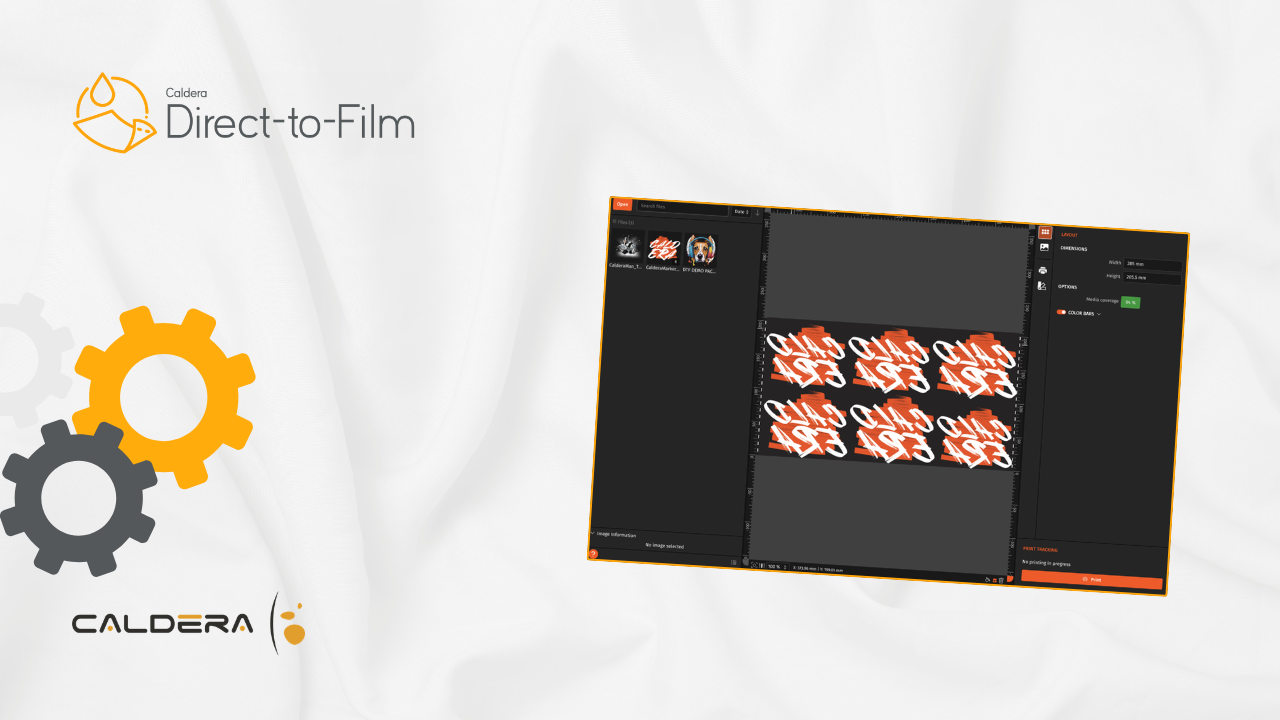
Unlike many traditional RIP solutions, Caldera Direct-to-Film has been carefully developed with macOS users in mind. The interface reflects the clean, modern design that Apple users expect, ensuring a smooth transition without disrupting your workflow.
The software offers:
- A clean and intuitive workspace
- Easy-to-use tools tailored for DTF printing
- Built-in guides that walk you through every step of the process
This means you can focus more on production and less on learning complicated software. Whether you’re new to DTF printing or an experienced professional, the platform adapts to your needs.
Smart Interface for Maximum Efficiency
Caldera understands that macOS users value simplicity and fluidity. That’s why the Direct-to-Film interface is designed to be both powerful and user-friendly. The streamlined layout reduces unnecessary complexity while still providing all the advanced features required for high-quality DTF printing.
With its studio-style environment, you can manage your projects, adjust settings, and monitor your workflow with ease, all within a cohesive and visually clear interface.
Advanced Color Management for Perfect Prints
Color accuracy is critical in DTF printing, and this is where Caldera truly excels. The software includes advanced color management tools that allow you to control and optimize your color profiles directly on macOS.
With Caldera Direct-to-Film, you can:
- Maintain consistent color quality from screen to print
- Easily manage ICC profiles
- Preview your designs with confidence before printing
What you see on your Mac is what you get in the final print, no surprises, no compromises.
The Best DTF RIP Software for macOS
Caldera Direct-to-Film is more than just compatible with macOS, it’s built to perform. By combining a mac-native experience with professional RIP capabilities, it eliminates the limitations that Mac users have faced for years.
If you’re searching for:
- Best DTF software for Mac
- DTF RIP software macOS
- Mac-compatible DTF printing solution
Caldera Direct-to-Film is the solution designed specifically for you.
Related articles