Make Every Meter Count: 9 Ways to Reduce Media Waste
August 14, 2026
When you see and assess your production, you see that there is a price on every roll of media you buy. It’s never free and never will be. But this price can be more expensive if you throw away meters of media. And we’re talking here about the biggest leaks in large format printing.
At first, those few centimetres left between graphics may seem like something not to worry about. But printing, especially in large format, can be considered a numbers game. One small rate of inefficiency, if repeated hundreds of times, rapidly becomes a cost.
Much of this media waste is the result of decisions that we can improve, automate, measure and repeat more efficiently. You will have to learn how to use media intelligently, prepare jobs, keep colors predictable, and make sure you don’t do the same mistakes over and over again.
CalderaRIP helps you achieve these keypoints. You can use it to connect job preparation, nest, manage colors, automate, and handle big productions.
The goal is to get more finished, sellable work from the media you already paid for. In this article, we explain 9 ways to make it happen.
Why Media Waste Deserves Your Attention
Over the past several years, you’ve already noticed the fluctuating prices of media. Now, it costs more than 5 years ago, and the prices continue to increase. And in printing, what can we exactly do without media? Right. Absolutely nothing. It is an essential asset that you can’t just not have. But the real challenge is not to pay for a roll. The challenge is what really happens to that roll and how you handle it.
Imagine buying a roll of premium media and watching part of it become:
- Unused space between graphics
- Failed prints
- Incorrect versions
- Color-mismatched output
- Trim waste
- Failed cuts
- Test prints
- Reprints
None of these things appear on the customer’s invoice. But you still paid for them.
And most importantly, media waste doesn’t appear alone. When you print a job all over again, you’re consuming ink, machine time, more labor, energy and production capacity. So you will think: does a failed job cost much more than the media it destroys? You then calculate and find yourself in a never-ending thinking loop. This is why reducing waste can have an effect far beyond your material budget.
It can mean: More production, Fewer interruptions, Better margins, Faster turnaround, Greater capacity. And sometimes, the easiest way to increase profitability is not to sell more. It is to stop losing what you already have.
Where Does All That Waste Come From?
Before explaining to you how you can reduce waste, you need to understand its origins. And this is not always what you usually expect. Sometimes, it’s pretty obvious where the waste comes from if the print is damaged or a panel is misprinted. But much of the time, waste starts much earlier than that.
It can start with a simple file that you never checked. A job that was manually positioned. A color profile that was not appropriate for the media. An operator using the same settings every time. Jobs being printed separately when they could have been put together. So, media waste is most of the time the result of a less organized and solid workflow.
Now you can start asking yourself: How to improve our decisions when it comes to workflow management?
As a result, you open the door to an endless list of solutions and possibilities.
9 Ways to Make Every Meter Count
1. See the Roll Differently
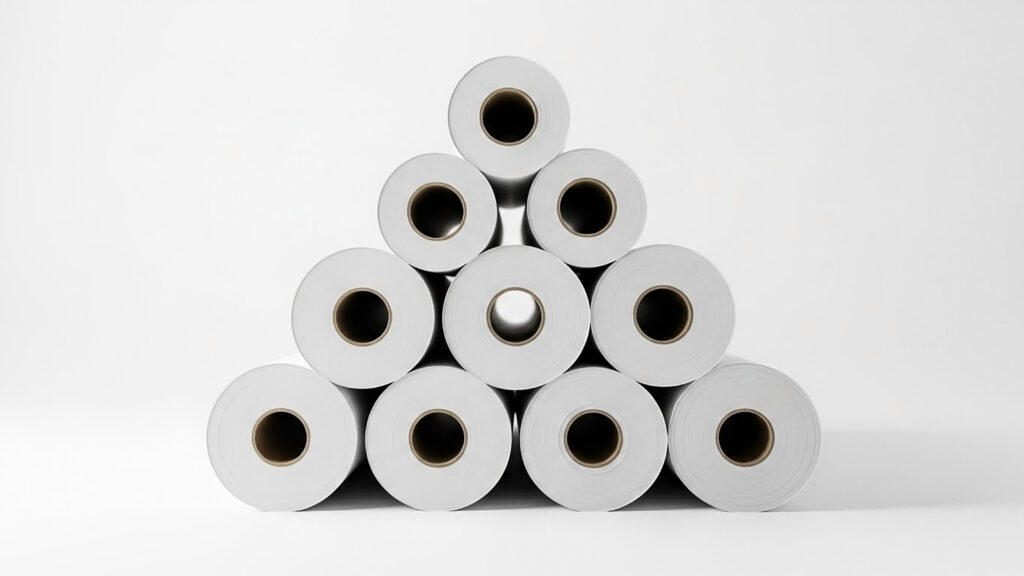
When you buy it, it is part of the inventory and you think of it that way. However, rolls have shown us their usefulness over time, so it’s more accurate if you see them as production capacity.
Every meter has a potential, and you can turn it into something a customer will definitely pay for.
As a matter of fact, you start seeing media differently. If you have an empty space between your images on the media, this doesn’t mean it’s an aesthetic imperfection. It is potential to improve your workflow.
So, it becomes a potential you never used.
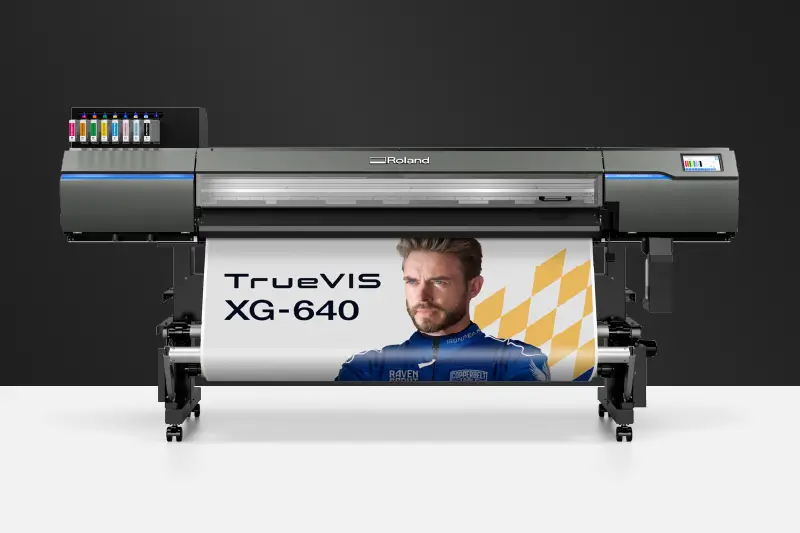
This can be solved by using intelligent nesting. It helps you place jobs on the same media but optimize every space. It takes into consideration space, dimensions, shapes, orientation, spacing… to give you an efficiently arranged layout. In the end, it will look like everything is condensed together, but the final result is: less waste.
In CalderaRIP, you can use Nest-O-Matik or contour nesting. They both help optimize your design placements and use your media effectively. In this way, you finally give your roll the space to showcase its real potential and capacity.
2. Treat Every Reprint as a Clue
As a printer, you can also be an investigator.
If you reprint, it means you have more information about the problem. It happens that a design does not include the right details, or a color is inconsistent. Or maybe you have chosen the wrong media?
But errors happen all the time, and this is normal. But whatever happened, you need to investigate.
The reprint tells you more than it shows you. It usually means that you need to find the problem and then make better decisions in your workflow.
You can start looking for a pattern that keeps repeating itself. For instance, you can check if there is a difference between how one media produces jobs and another. CalderaRIP can help you optimize your workflow by handling repeatable patterns and routines. It can standardize workflows, presets, job management, and automation.
3. Solve Problems Before They Become Physical
The price of a mistake depends largely on the original price. For example, if we make a mistake on the computer, it is cheap. But once it’s on the media, the mistake is bigger and more expensive.
This is your sign to take into consideration file preparation and spend more time on it. As a result, you will avoid incorrect dimensions, missing bleed, or even a wrong version. All of this can become waste once you start printing.

It is the case where you need to catch everything earlier, before it catches your media. And of course, it is always cheaper to fix it this way. Before your printer starts consuming more ink, you will make sure that you have the right file with the right size and production needs.
In CalderaRIP, you can find tools that help improve your job production, and this includes: preview, scaling, cropping, tiling, duplication, and other settings.
4. Make Color Predictable
As much as we talk about colors, it’s never enough. The issues that are related to colors constantly create waste because it’s always complicated to get the right settings. If at the end of the production, you say “it looks almost right,” then you will have to make the colors as predictable as possible from the start. A customer will not understand the “almost right” statement. He needs to see that the color is right and accurate.
And if you keep your color management strategy this way, all you can predict is more reprints and an endless loop of guessing. Color management helps you gain more confidence, as you finally can predict your colors.
CalderaRIP provides you with the right color management tools, including ICC profiling, spot color management, relinearization, and EasyMedia.
5. Turn Your Best Practices Into the Default
Operators learn the job in the way it was transmitted to them, which leaves less room for questions or analysis. It happens that they trust the process every time and assume that because it was done before, it’s going to work every time. But unfortunately, this is not the case.
You need a tool that allows you to have your settings ready and not depend on one or two printers who remember them.
That’s why it’s time to invest in a good production workflow that uses that knowledge and repeats it every time.
You can find this in CalderaRIP, as it uses automation and predefined workflows. This helps you make production processes more consistent. In this way, you will reduce the number of configurations operators need to do.

6. Stop Looking at Jobs One by One
When printing, you usually wait for jobs to be printed and look at them one by one. But the bad news is that your queue can be full of jobs that require more retouching to reach efficiency.
If your job is handled as a separate event, you will keep changing media, adjusting settings, recalibrating, repositioning, or switching modes. The solution is to look at the queue as a whole. You must check which jobs use the same media and requirements, which ones can be grouped together, and what your job priority is.
If you manage to change your perspective, you can change how production feels to you and make it look like a production that doesn’t witness a series of interruptions.
CalderaRIP is designed to help you organize production and manage jobs across connected workflows and devices, so you will not have to switch from one device to another.
7. Remember That Waste Can Happen After Printing
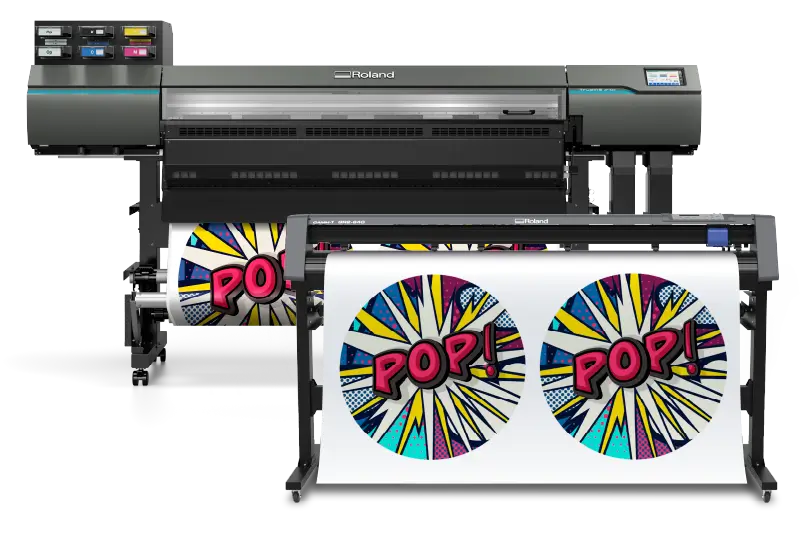
Now, we will talk about print & cut production and how, after printing the jobs, they can still go to waste because of some registration or contour inefficiencies. If this happens, your media will be unusable.
Your printing and finishing processes have to work together to produce an effective workflow from the start. CalderaRIP offers you print and cut capabilities that are specifically designed to keep everything connected.
8. Protect Your Production Before Something Goes Wrong
If you need a RIP software to help handle your media waste, you will also need to maintain your equipment and take care of it. Some waste is caused by software, some by repetitive mistakes, and some by machines.
If you don’t properly maintain your printer, this can affect your production even though you have the right software and follow the right methods. You can witness:
- Banding
- Nozzle issues
- Head strikes
- Registration problems
- Mechanical faults
And when you notice the defect, the media is already ruined.
That’s why you have to apply preventive maintenance and check everything before you start working. If your printer is reliable, it will continue to offer you predictability.
9. Give Your Costs a Number
We now arrive at the final strategy. Media needs to be measured in all its states. When you say that you’re wasting too much media, it might seem a bit like a feeling. This is why you need numbers that support your statements. Instead of saying, “we’re wasting too much media,” you can define the percentage and present this to your audience. Start tracking: the media purchased, media consumed, media discarded, reprint rates, failed jobs, job completion times, print problems, media utilization, waste by media type, waste by production process.
After you get the numbers, try to understand their story and how you really got that number. And later, you can discover that nesting or any other process is your biggest opportunity. It’s important to determine where you can improve and grow to welcome new decisions in your shop.
CalderaRIP: Bringing the Pieces Together
If you’re a printer in large format printing, you know that there is no magical way to reduce waste and costs. You can’t just press a button and see waste disappear.
Media waste occurs when your media meets different ways of handling it. It can also change according to the methods you use along the way. You need to consider media when it meets workflow, printer, and know how to make them work together in the most effective way.
But again, if you see an opportunity for an error, it means that you can still grow and develop your business.
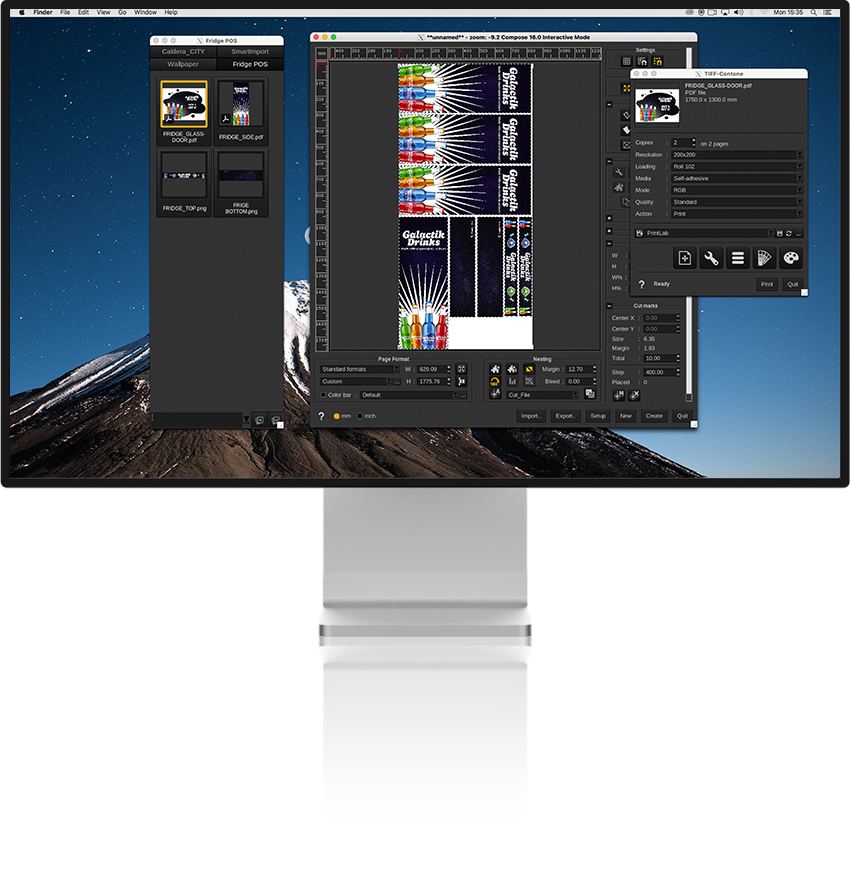
This is why CalderaRIP plays an essential role in your workflow. It connects all of these stages together: job preparation, nesting, color management, automation, print & cut, and job management.
Related articles