Is CalderaRIP for Beginners? Explore Caldera Knowledge Base
March 10, 2026
Is CalderaRIP for Beginners? Explore Caldera Knowledge Base
CalderaRIP is RIP software that can manage your production with the highest level of organization and flexibility. The software is used by many printers around the world, making it one of the most comprehensive RIP solutions in large-format printing. CalderaRIP helps you manage colors, devices, workflows, and more. But is it for beginners? That’s one of the questions we often get when people ask us about CalderaRIP.
In this article, we will introduce you to CalderaRIP and its advantages for beginners in large-format printing. You will learn how CalderaRIP can help you manage your print production in a more advanced way. We will also answer the question, “Is CalderaRIP for beginners?” This way, you will be able to choose the right RIP software for you and your business. And in order to do this, we will introduce you to Caldera knowledge base, a platform where technical help is always available.
CalderaRIP Overview
CalderaRIP is a flexible RIP solution for large-format printing and cutting.
Whether you’re running a small print shop or managing a multi-device production environment, CalderaRIP gives you the tools to automate your workflow, improve color accuracy, and boost productivity.
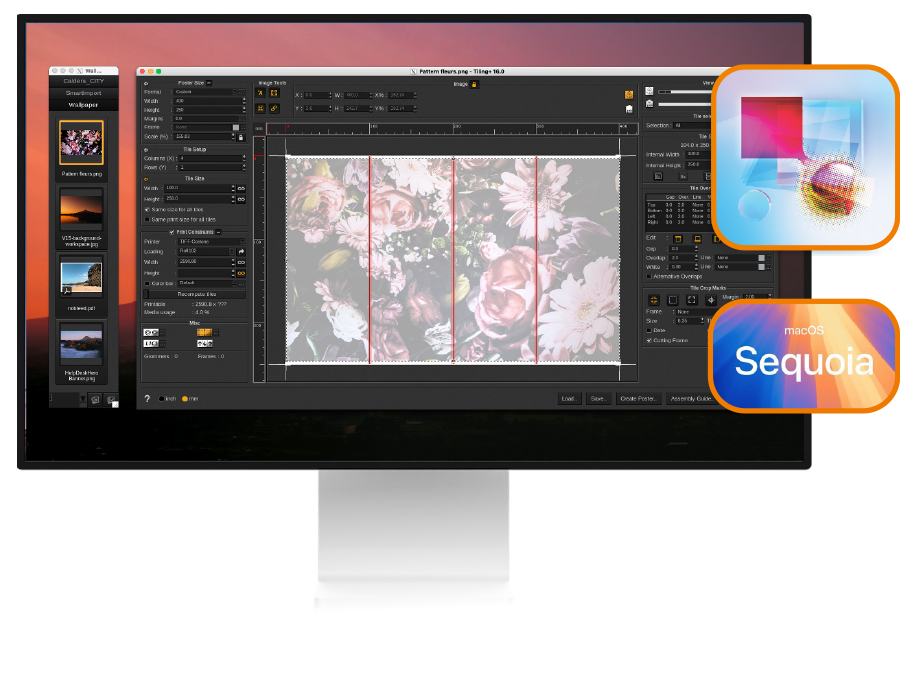
It’s also a full-featured Mac RIP solution designed specifically for professional printing workflows on macOS. Unlike many RIP programs that are limited to Windows, CalderaRIP is fully optimized for Mac performance, delivering exceptional speed, stability, and print quality.
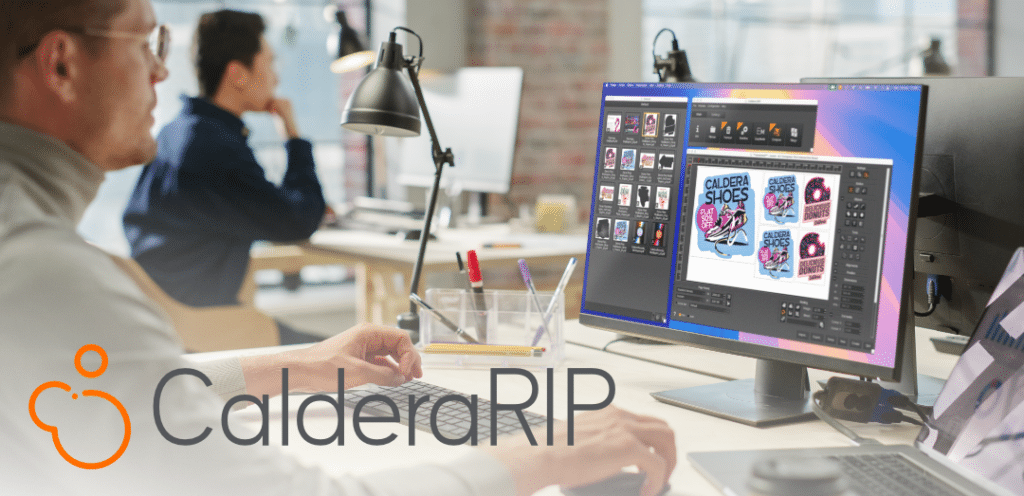
Is CalderaRIP for Beginners?
CalderaRIP is RIP software that can be used by printers with different levels of experience in large-format printing.
Once you’ve learned the basics of CalderaRIP, you can navigate the software and start printing.
Caldera also provides a dedicated knowledge base that helps you learn the process and get started with printing.
You can also explore our technical documentation during your trial.
What is Caldera Knowledge Base?
The Caldera knowledge base is a collection of articles and resources that help you get familiar with CalderaRIP features. You can access articles on multiple topics, including:
- Color management
- License management
- Profiling and EasyMedia
- Calibration
And the list goes on. You can also find technical notes for the drivers supported by CalderaRIP, allowing you to learn more about your printer and how it integrates with CalderaRIP.
This knowledge base is not limited to CalderaRIP. You can also find content about other Caldera solutions, such as PrimeCenter, Caldera Direct-to-Film, Caldera Direct-to-Garment, and the REST API.
How to Access our Knowledge Base
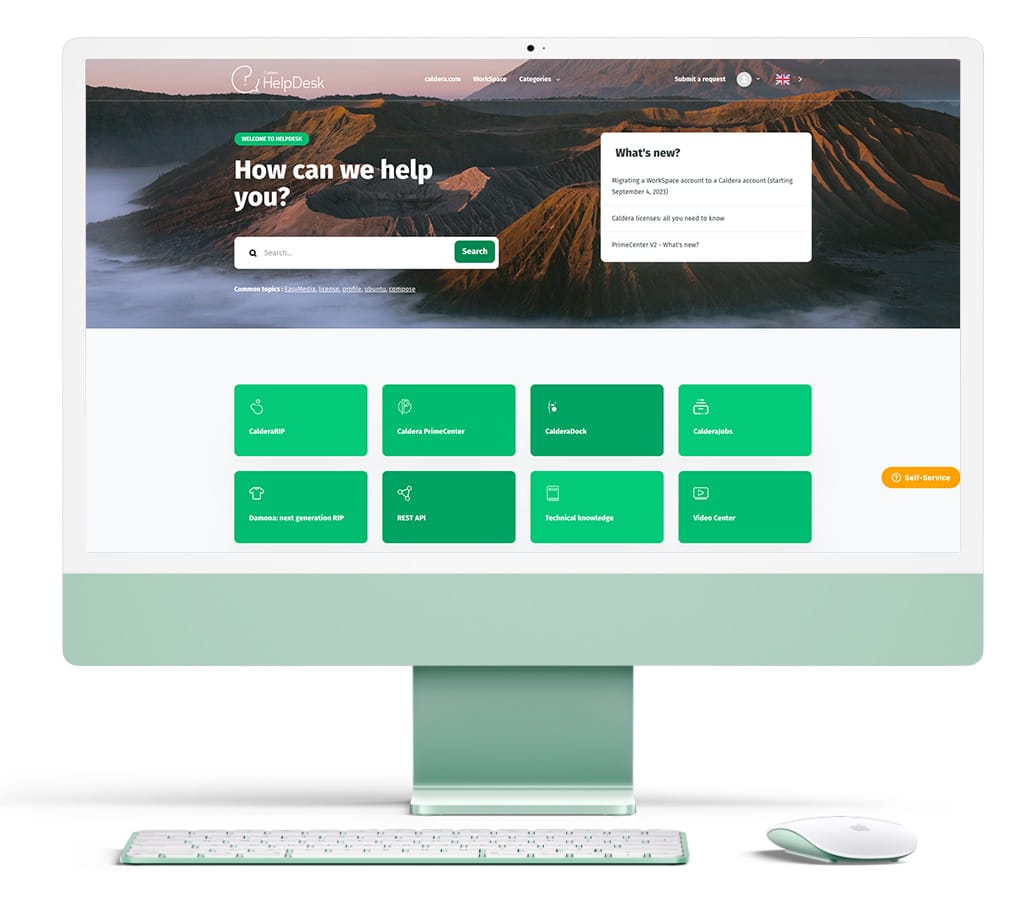
The Caldera knowledge base is now accessible to anyone who wants to learn more about CalderaRIP. You can easily access it on the Helpdesk.
- Go to Helpdesk
- In the main interface, click on CalderaRIP
- There, you will find many categories
- You can choose the category you want
- Explore the articles ! and enjoy the read.
It’s also possible to filter information using the search bar. Type a specific keyword for the topic you want to explore and press Enter. For example, if you’re looking for information about spectrophotometers.
You can simply type “spectro” or “spectrophotometer,” and you will see Helpdesk suggestions. If none of the suggestions match your query, you can press Enter to view all the articles related to spectrophotometers.
Interested in CalderaRIP?
You can book a demo today or contact us for more details about CalderaRIP and its knowledge base.
Related articles